🚀 Get started
From zero to using Pip in 2 minutes.
What you need
- You are 18 or older. Pip is for adult traders: every trade is yours, in your own wallet, and so are its wins and losses.
- 1 Pixel Panda or more in a Solana wallet (Phantom, Solflare, Backpack...). 8 Prosperous Parrots or 4 Swine Gang work too: the new copies, so swap an old one on /swap first.
- A Discord account, in our Discord server (or the Prosperous Parrots or Swine Gang server).
Step 1: Verify your wallet
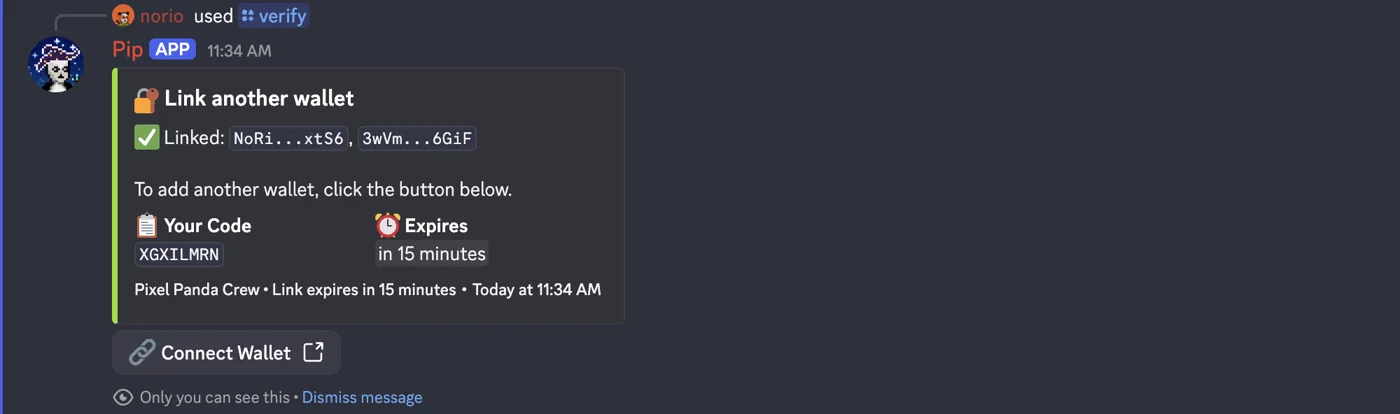
In our server, or the Prosperous Parrots or Swine Gang server, type /verify and follow the link. On a phone, open it in Phantom, Solflare or Jupiter. You sign a one-time message in your wallet. It costs nothing and moves nothing.
Got pandas in more than one wallet? Tap Link another wallet (up to 10). Pip adds them up.
Step 2: Check your role
You get the holder role. In the Prosperous Parrots and Swine Gang servers you get their holder roles too. Your NFTs are checked every hour, so your role follows what you hold.
Just bought one? Run /verify again: your roles update within a minute.
Step 3: Try a command
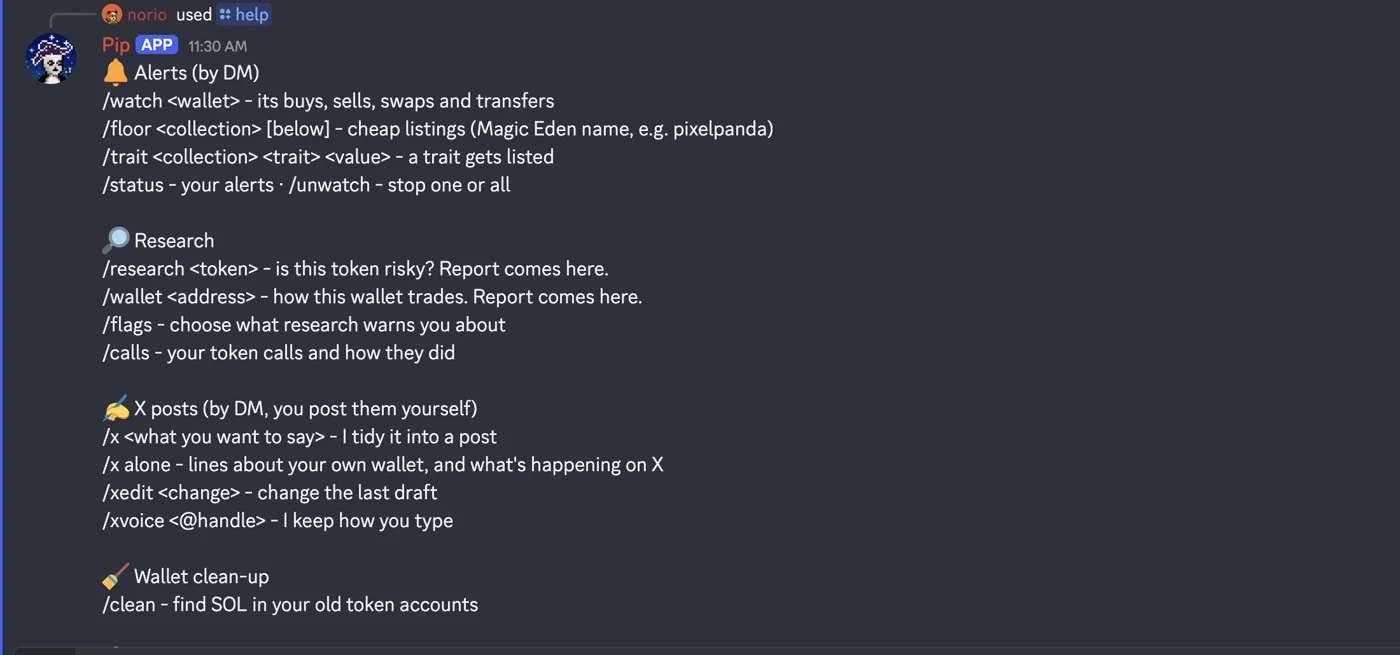
Type /help to see the commands. A good first one: /research BONK. Want a quick tip? /tips.
Commands work in every server Pip is in, and in a DM to Pip: just type /help there.
Most answers only you can see, or they come by DM. Keep your DMs open for Pip. In #pip-commands, everyone sees /research, /wallet, /tips and /help, unless you pick "Only me".
To see how I use Pip myself, read How I do it.
Step 4: Post about your wallet
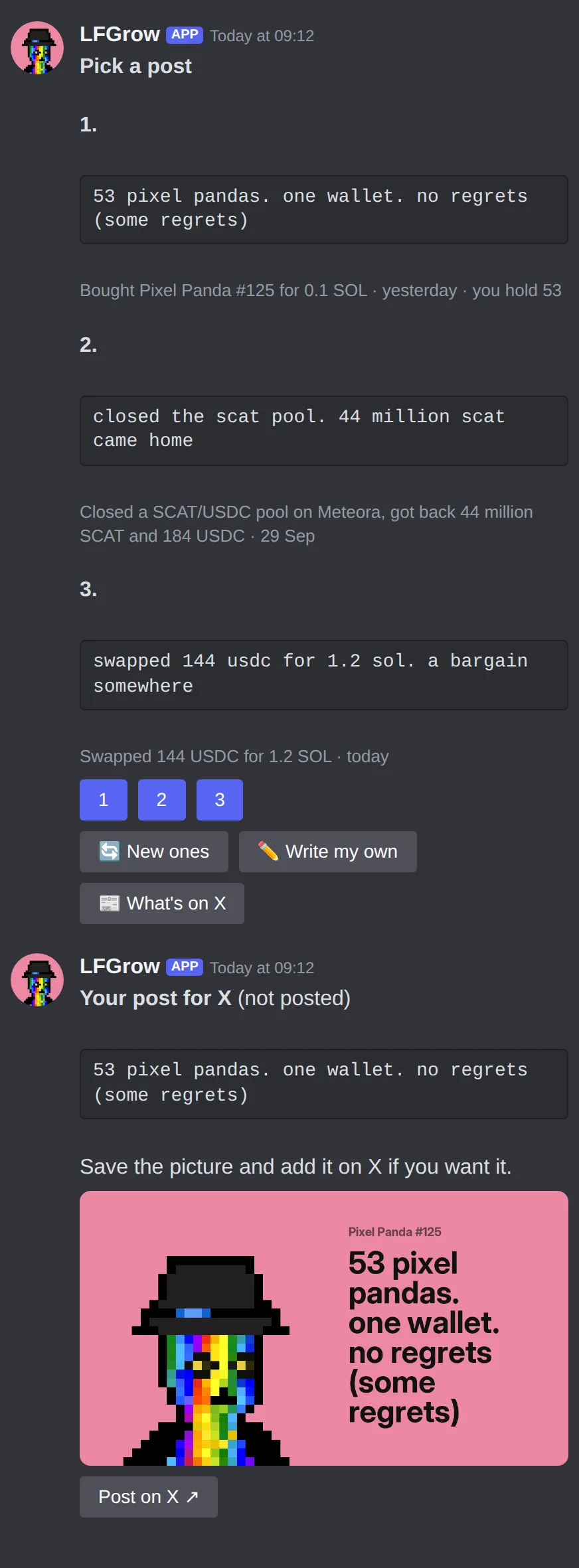
Once you're an Analyst, type /x on its own. Pip DMs you Pick a post: 3 short posts about real things in your wallet. Tap 1, 2 or 3 and you get the post with a picture of your panda. Tap Post on X and post it yourself.
More on the X helper page.